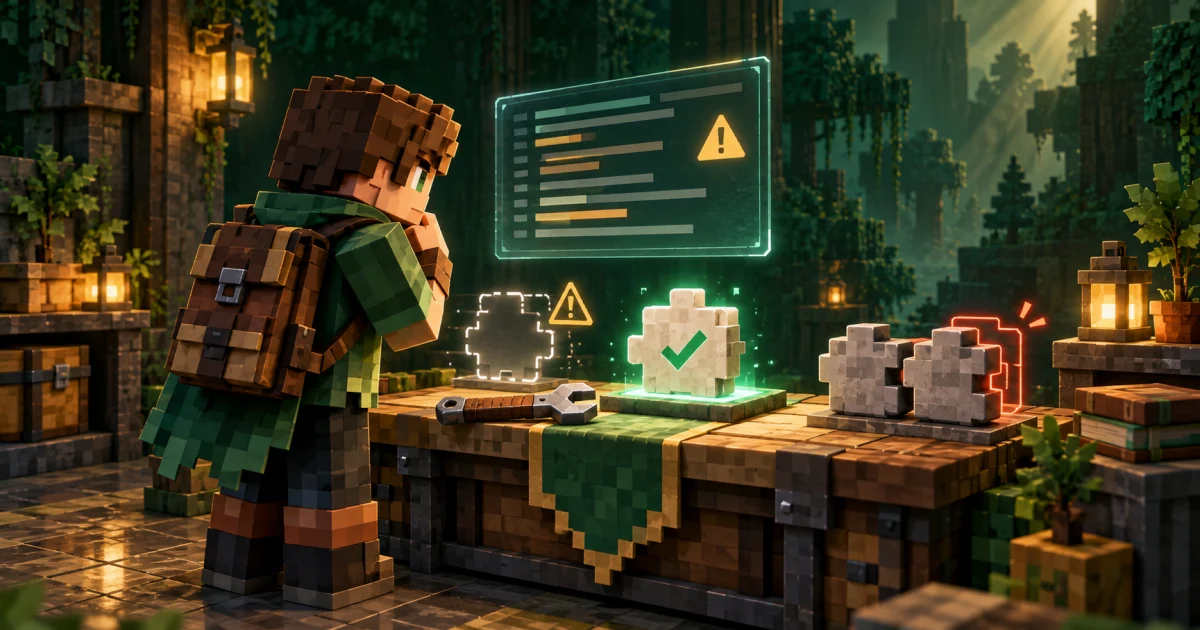
Most problems with Player Animation Mod come down to the wrong file, the wrong version or a duplicate copy. Work through the sections below in order.
"Mod requires playerAnimator" or missing dependency
This means a mod you installed depends on the library and the loader cannot find a suitable copy.
- Check that the library file is in the
modsfolder of the profile you launched. - Confirm the file is built for your loader (Fabric, Forge, NeoForge or Quilt).
- Confirm it is built for your exact Minecraft version.
- Read the error screen: it often states the library version range the mod expects.
Crash at startup
- Look for duplicate copies of the library. The library cannot be safely loaded twice, so keep a single file.
- Remove files built for other versions or loaders.
- Open
logs/latest.logor the newest file incrash-reportsand search for "playerAnimator" or "player-animation-lib". - Temporarily remove other mods that change the player model to see whether one of them conflicts.
Game starts but no animations play
That can be normal. The library does nothing on its own. Check the dependent mod's controls or commands, and make sure that mod is installed and enabled.
Disconnected from a server
If the server uses a mod that relies on the library, the server and every client need compatible copies. Ask the server owner for the exact library version, or compare the server's mod list with yours.
Limbs do not bend
Bending arms and legs needs bendy-lib. If a mod's animations look stiff and it lists bendy-lib as optional or recommended, install the matching bendy-lib build.
Problems after updating Minecraft
Updating the game version does not update your mods. After moving to a new version, download library and mod builds for that version. If none exists yet, stay on your previous version. See checking support for newer versions.
Trying to install on Bedrock or PE
The library is Java-only. Read our Bedrock and PE explanations for details.
Back up your worlds and your mods folder before large changes. It makes it easy to roll back if a combination does not work.
Still stuck?
Report reproducible bugs to the dependent mod's issue tracker or the library's GitHub repository, and include your log file, game version, loader version and mod list. This site is an independent guide and cannot fix the software itself.