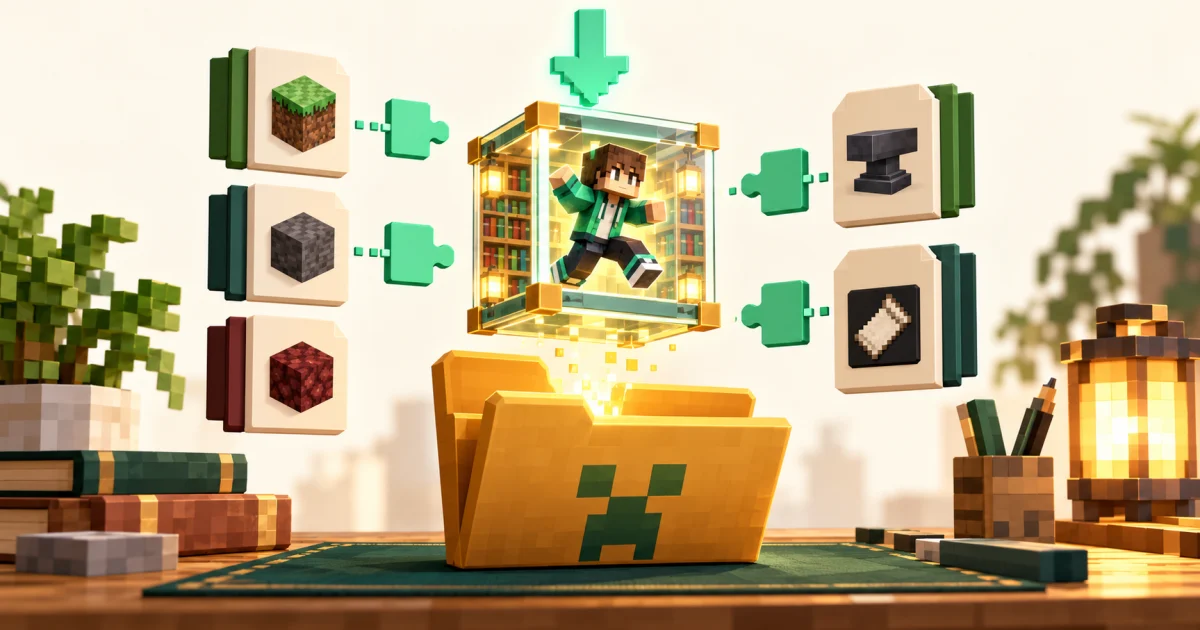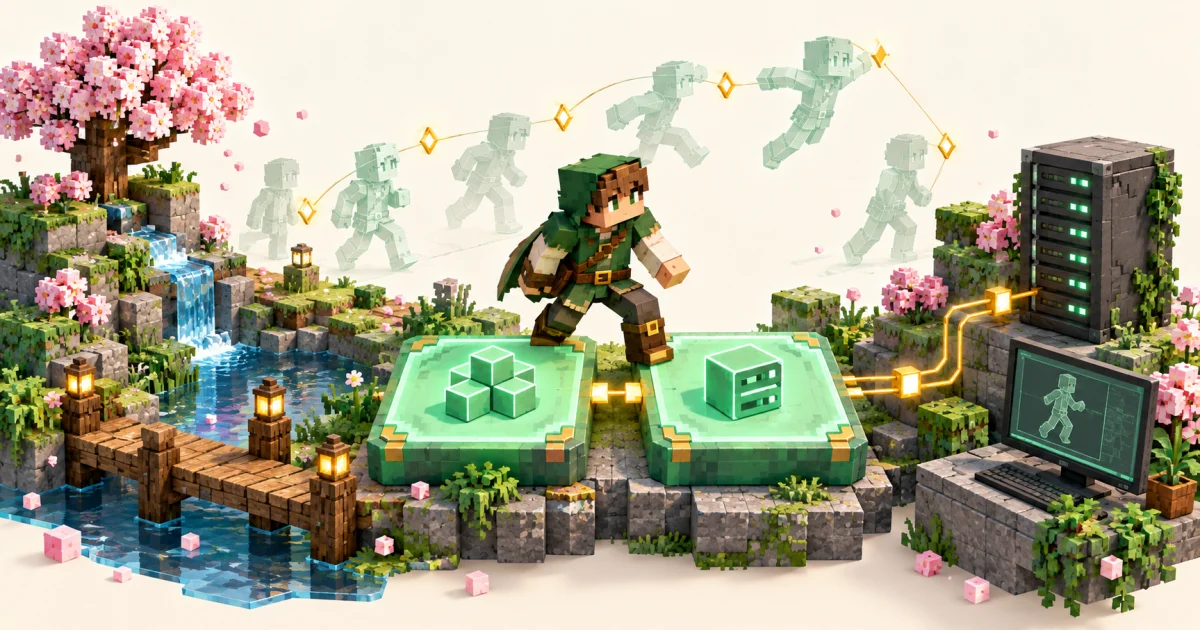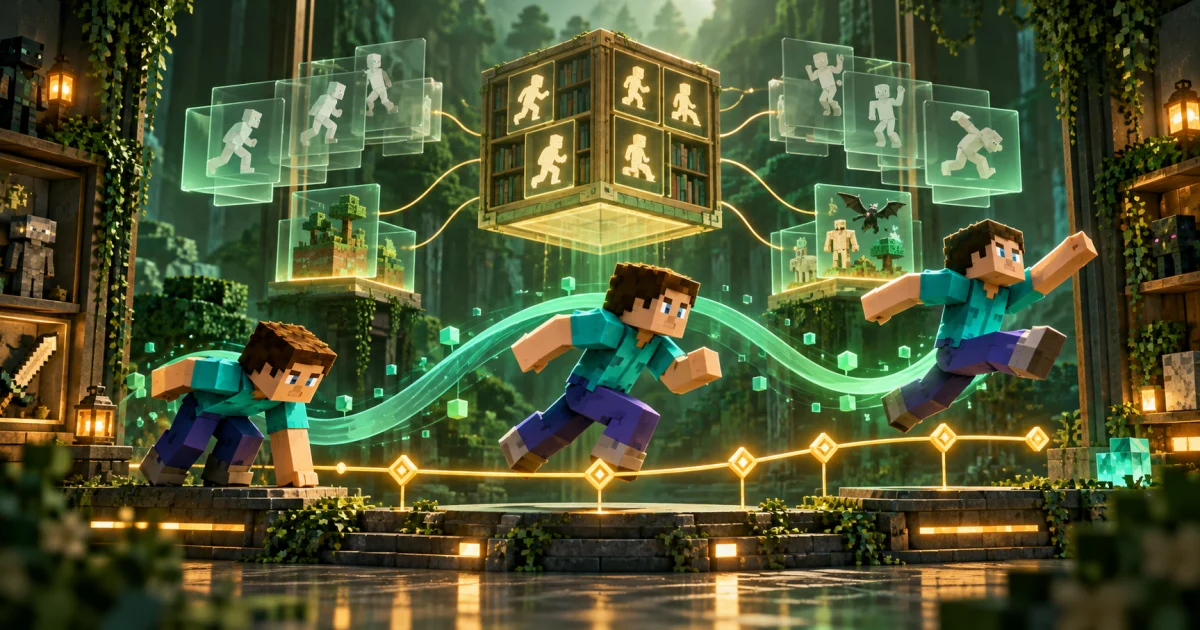
Player Animation Mod is a Minecraft: Java Edition library, which is why Player animation mod Minecraft Java is the most accurate way to describe it. This guide explains what it does inside the game in plain language.
A library, not a content mod
The project describes itself as a library for animating the player with keyframes. It provides tools that other mods call. When an emote, combat or movement mod wants your character to wave, swing or dodge, it can hand the animation to this library instead of writing its own system.
Keyframe animations
An animation is a list of poses at points in time, called keyframes. The library fills in the movement between them. According to its documentation it can play animations stored in the Emotecraft JSON format and, in many cases, GeckoLib's JSON format (Molang expressions are not supported).
Easing
Between keyframes, movement can follow different easing curves, including the common ones listed on easings.net, as well as constant and linear timing. Easing is what makes a motion start slowly and finish smoothly instead of snapping.
The player model
The library works with six player parts (head, torso, both arms and both legs) plus an extra body bone. Each part can be offset and rotated. With bendy-lib installed, limbs can also bend in the middle for more natural poses.
Layers and priority
Animations live in an animation stack. Each layer has a priority. Higher-priority layers override lower ones, but a layer can also leave parts untouched so the layer underneath shows through. This is how a mod can animate only the arms while walking animations continue on the legs.
Modifiers
A modifier layer can wrap an animation to change how it plays, for example to fade it in and out smoothly. The documentation recommends this layer type for most uses.
Why mods share it
- Consistency. Several mods can animate the player without fighting over the model.
- Compatibility. The library tries to avoid breaking other mods that touch the player.
- Less duplicate work. Mod authors reuse one tested system.
Because it only provides tools, installing the library alone will not change your game. You will see animations only from mods that use it.
Status of the project
The project's README states that the original author no longer plans active development and suggests Player Animation Library (PAL) for new projects. Existing releases remain available, with major bug fixes only. Keep this in mind when you plan a long-term modpack.
Ready to install? Start with the download guide.