Searching for a Player animation mod download usually starts with a message from another mod: a launcher or crash screen tells you that a library called playerAnimator is missing. This guide explains what that file is, how to pick the correct build for your game, and how to install it without breaking your mods folder.
What you are actually downloading
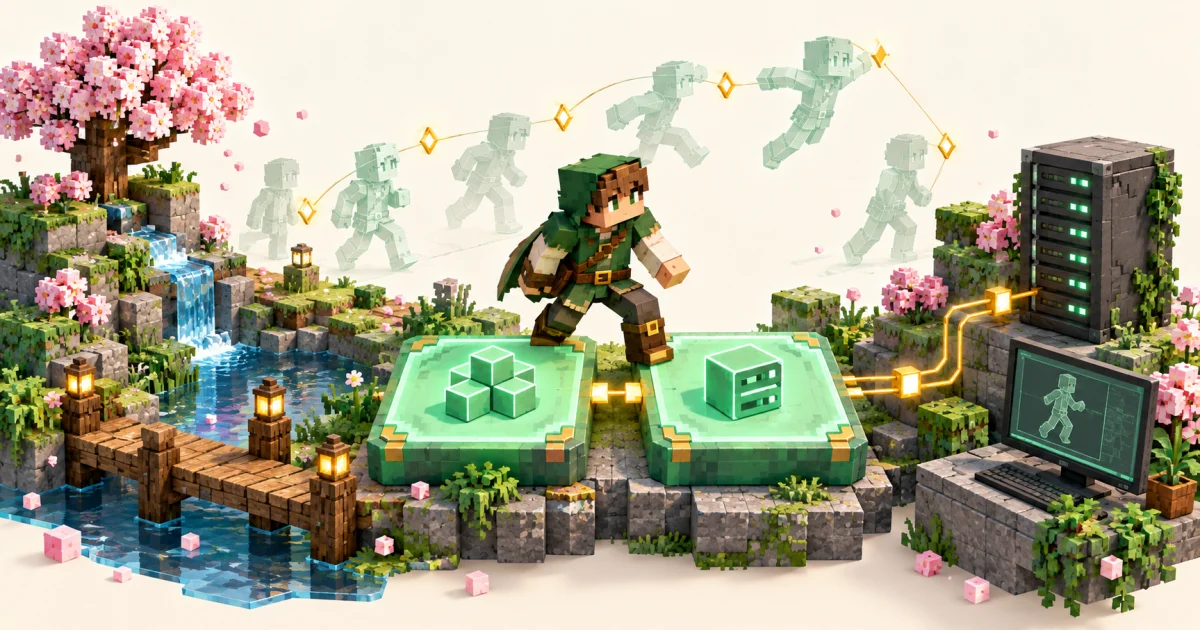
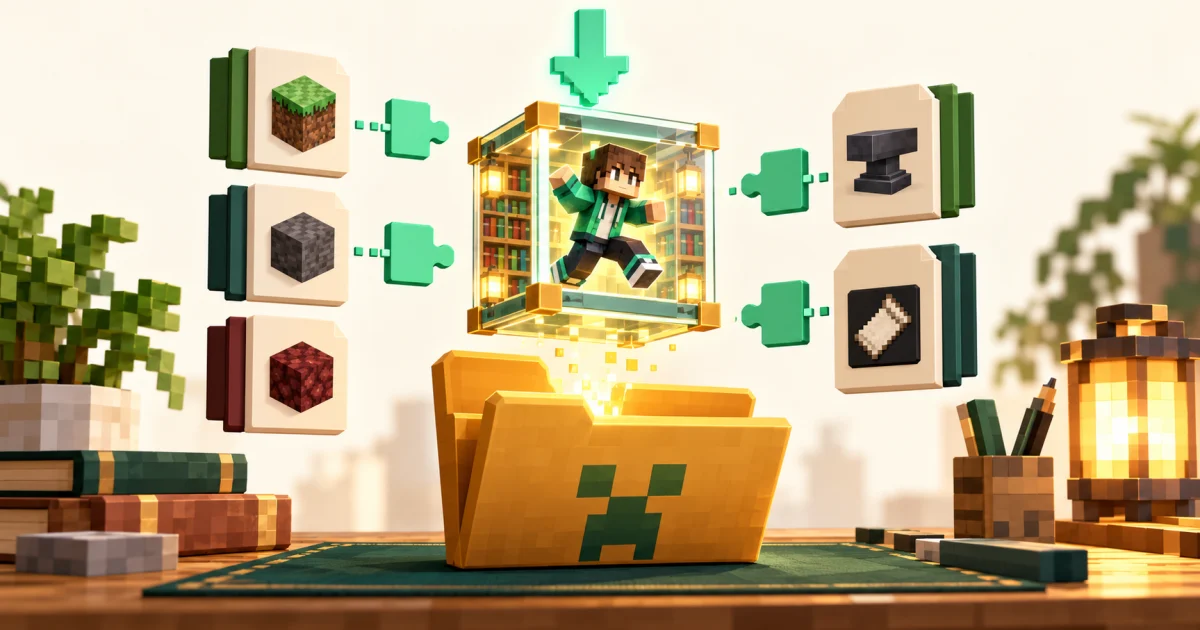
Player Animation Mod (listed on CurseForge as playerAnimator) is a library mod. It gives other mods a shared system for playing keyframe animations on the player model. On its own it does not add emotes, menus or new moves. You install it because a mod you want to play, such as an emote, combat or movement mod, depends on it.
That matters for the download: you are not choosing a feature, you are choosing the build that matches the mod that needs it.
Three things to check before you download
1. Your Minecraft: Java Edition version
Library files are built for specific game versions. A file built for one version family can fail to load in another. Open your launcher profile and note the exact version, for example 1.20.1.
2. Your mod loader
The project publishes builds for Fabric, Forge, NeoForge and Quilt. Fabric files are usually what Quilt players use as well. Forge and NeoForge each need their own build. Check which loader your profile uses before you download anything.
3. What the dependent mod asks for
The mod that requires the library often lists a minimum library version on its own page. If it does, follow that requirement.
The download button on our homepage links to one specific file hosted on CurseForge. Before installing, check that the file it delivers matches your game version and loader. If it does not, use the project's file list on CurseForge or Modrinth to find the matching build.
How to install the downloaded file
- Close Minecraft and your launcher.
- Open your game directory and find the
modsfolder (create it if it does not exist). - Place the downloaded
.jarfile in that folder. Do not unzip it. - Make sure only one copy of the library is present. Remove older versions.
- Start the game with your Fabric, Forge, NeoForge or Quilt profile.
For loader-specific steps see our guides for 1.20.1 Forge and for Fabric, NeoForge and Quilt.
Where the file comes from
The library's author recommends getting it from its official distribution channels: CurseForge, Modrinth or the author's Maven repository. Re-uploaded copies on unknown websites can be outdated or modified, so it is best to avoid them. Our download button points to a CurseForge-hosted file and does not repackage it.
Common download mistakes
- Wrong loader build. A Fabric file will not load on Forge, and the reverse is also true.
- Wrong game version. A 1.20.1 build is not a 1.21 build.
- Two copies at once. The library is not designed to be loaded more than once. Keep a single file.
- Expecting new content. If nothing visible changes after installing, that is normal. The animations come from the mod that uses the library.
Next steps
Once the file is in place, start the game and test the mod that required it. If the game crashes or still reports a missing library, work through our troubleshooting guide. To understand what the library does inside the game, read Player Animation Mod for Minecraft Java.