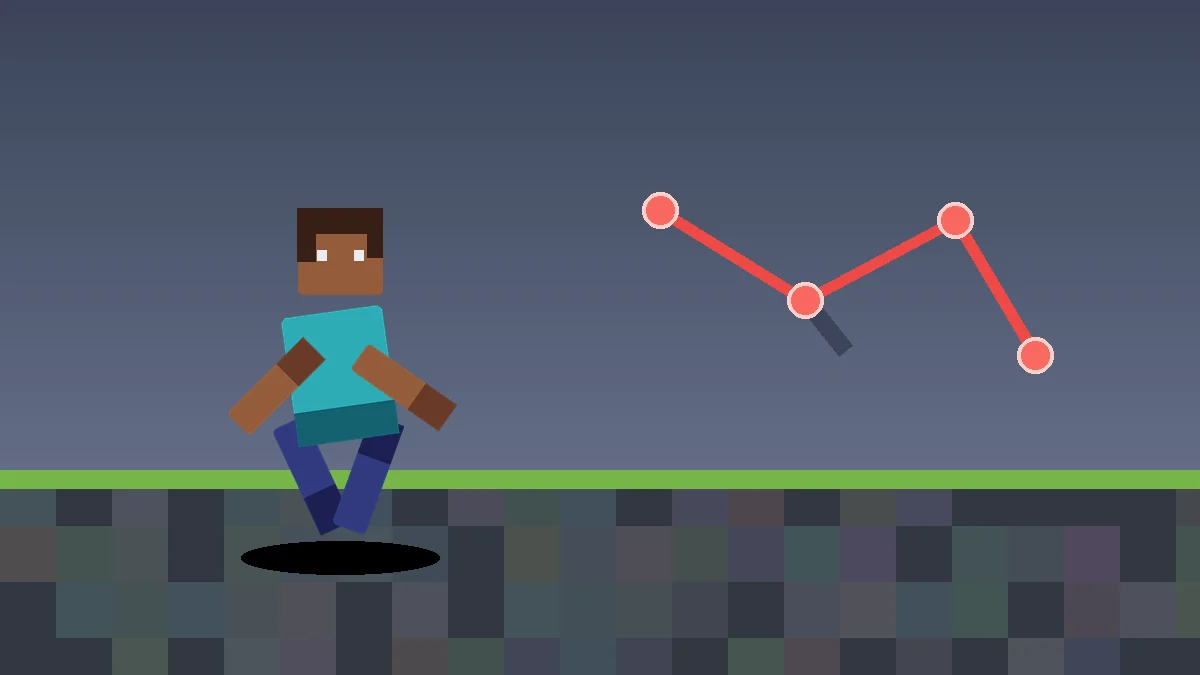
Diagnose why Player Animator Mod loads but expected animations do not appear.
Framework installed but no animation appears
Player Animator Mod is often a library. Confirm that the mod expected to create visible animations is installed and compatible.
Check for a silent version mismatch
Compare the exact Minecraft, loader, framework, and consuming-mod versions. A partial match can load but still produce missing or broken behavior.
Quick verification checklist
- Exact Minecraft version is known.
- The loader family matches the mod file.
- Only one intended Player Animator Mod version is installed.
- Required dependencies and animation-using mods target compatible releases.
- A backup exists before major changes.
Remove competing animation systems temporarily
If the player pose freezes or looks incorrect, test without other animation-related mods and add them back one at a time.
Use logs as evidence
Look for dependency, mixin, or class-loading errors around the first failure. The earliest relevant error often points to the incompatible component.
When to use a clean test instance
If the problem remains unclear, create a minimal instance with the same Minecraft version and loader. Add only Player Animator Mod, its required dependencies, and one compatible animation-using mod. A clean test helps separate a framework issue from a larger modpack conflict.
Player Animator uses an animation stack where higher-priority layers can override lower-priority behavior. A missing or frozen pose can therefore come from another active layer, not only from a failed animation file.